

Florida car accident evidence guide
Dashcam and surveillance video after a Florida car accident: how to preserve evidence
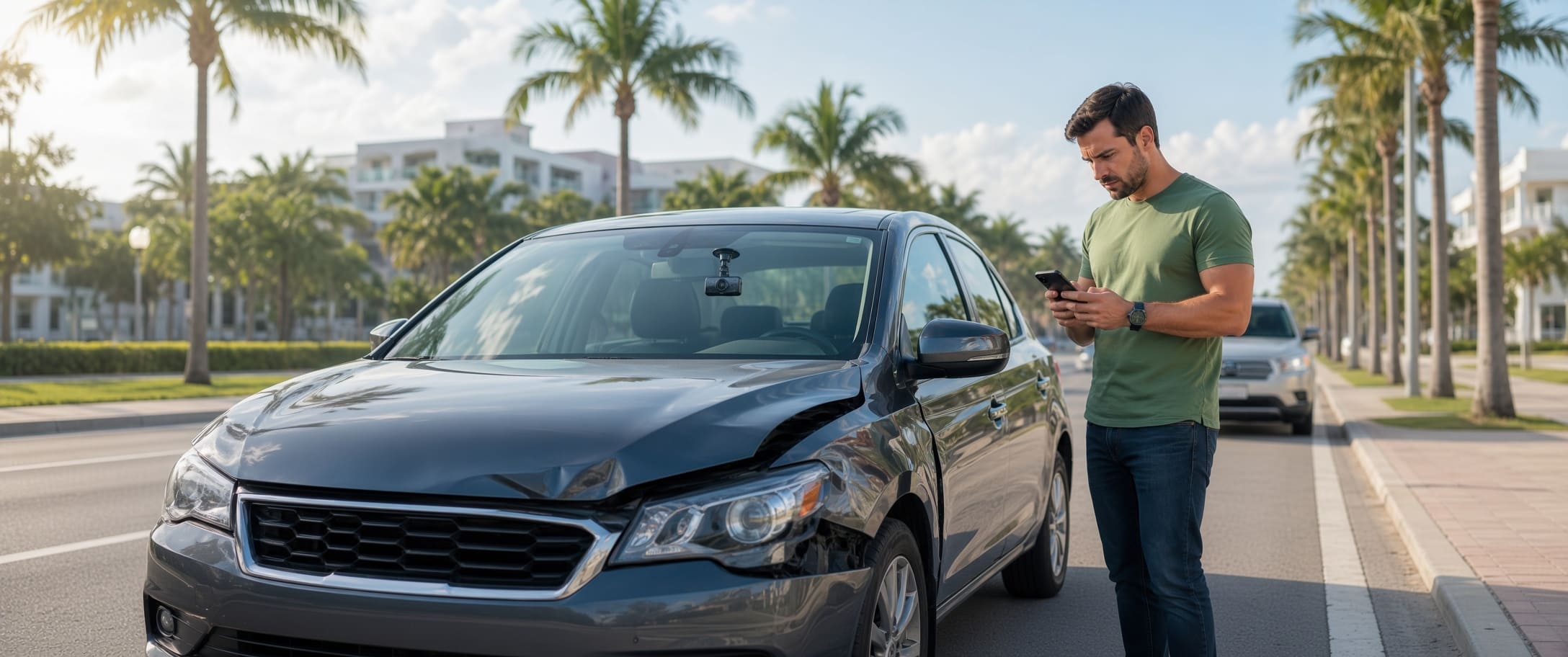
Dashcam, business, doorbell, fleet, and other recordings can clarify how a crash happened. The problem is time: many systems overwrite footage automatically, so useful video should be identified and preserved quickly.
Quick answer
Save the original file, identify nearby cameras, note the exact crash time and location, and send a narrow written preservation request quickly. The request asks the custodian to retain specified footage, but it does not compel production or automatically create a legal preservation duty for every independent third party; whether a duty exists depends on the circumstances.
Where car accident video evidence may come from
Useful footage may show the approach, traffic signal, lane position, a witness vehicle, or events immediately after impact—not just the collision itself.
Your dashcam or built-in vehicle camera
Front, rear, cabin, or side cameras may capture the collision, traffic controls, road conditions, or vehicle movement. Protect loop-recorded clips promptly.
Another driver's or witness's dashcam
A witness may have the best angle. Get contact information and ask for the original clip rather than a social-media upload.
Business surveillance cameras
Stores, gas stations, hotels, garages, apartments, and offices may have cameras facing nearby roads or parking areas. Retention varies.
Home and doorbell cameras
Doorbell, driveway, or exterior cameras may show a vehicle's approach or post-crash movement even when the impact is outside the frame.
Fleet, truck, bus, or rideshare systems
Commercial vehicles may use forward-facing, driver-facing, or event-triggered cameras. Note the company, unit number, and visible camera hardware.
Law-enforcement or local government recordings
Body-worn, in-car, or local-government footage may exist. Access, exemptions, and retention vary, so identify the correct records unit promptly.
Important Florida 511 limitation
FL511 states that its traffic-camera video and images are neither stored nor recorded. A live FL511 camera is therefore not an archived source; local or private systems may differ.
How to preserve video before it is overwritten
Camera retention can be short and may have nothing to do with a legal filing deadline. Identify who controls the recording and act before routine deletion or overwriting.
Record the exact time and place
Write down the date, approximate time, road, direction, intersection, nearby addresses, and any difference between the camera clock and actual time.
Photograph or list every camera lead
Note businesses, doorbells, fleet or witness vehicles, and cameras covering the approach. See the Florida accident photo evidence guide for other scene details to document.
Contact the custodian quickly and in writing
Ask the owner or records custodian to preserve a defined time window from an identified camera. Follow calls with a dated email or letter.
Save what you receive without changing it
Keep the original download, native export, or highest-quality file. Make backups; do not replace the source with an edited or re-encoded version.
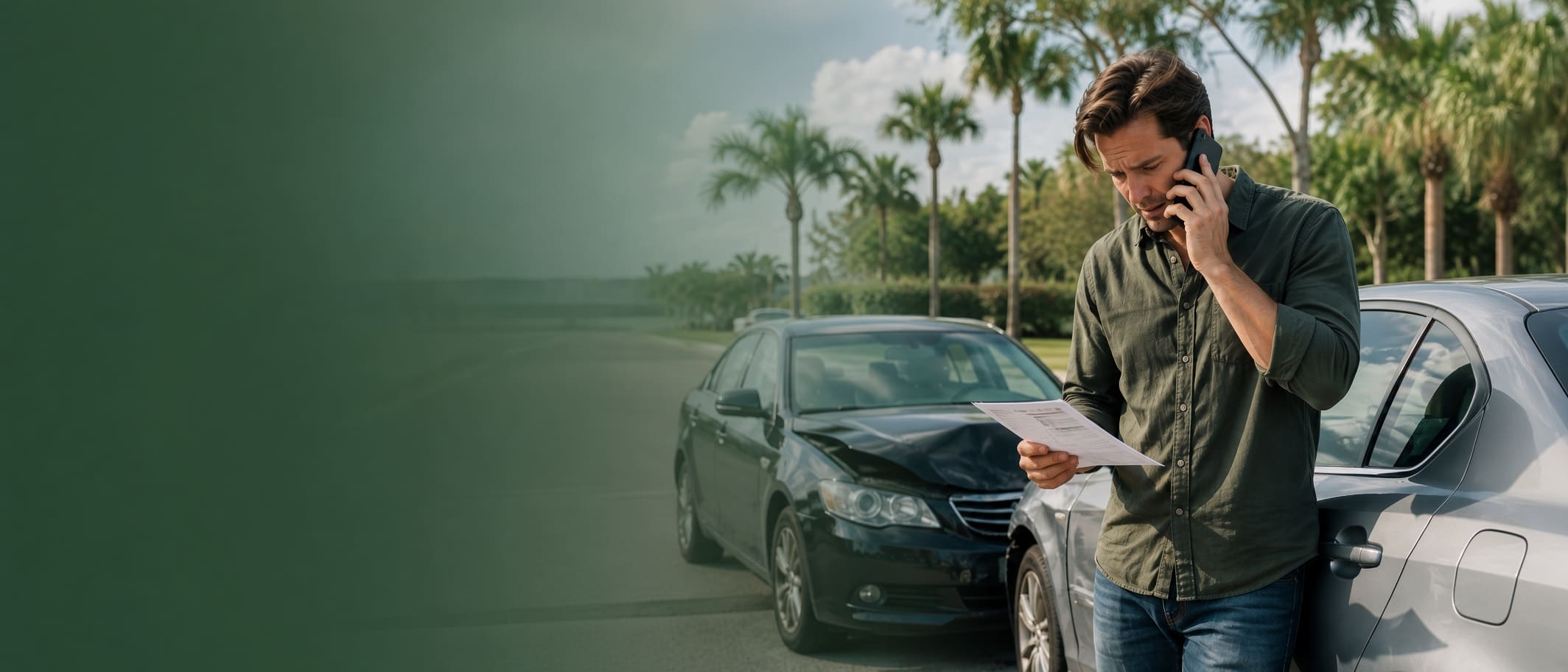
Preserve your own dashcam, phone, or cloud video
Preserve the source first; make shorter or shareable versions only from copies.
Keep the source
- Lock or copy a loop-recorded clip before it can be overwritten.
- Save the original SD card or native file; export cloud footage in the highest available quality and keep the original filename.
- Note any incorrect camera clock or time-zone setting.
Make working copies
- Create at least one backup in a separate secure location.
- Make shortened or edited versions only from a duplicate; never replace the source.
- Note who supplied or recorded the file and where the camera or device was located.
Why originals matter
Florida Statutes §90.901 requires authentication or identification before evidence is admissible. Source files, device context, filenames, and acquisition records can help establish what a recording is.
Audio requires separate analysis
If a video also captures a conversation, Florida Chapter 934 can raise separate interception and consent issues. Section 934.03 includes an all-parties-consent provision, subject to statutory definitions and exceptions. Preserve the source; do not assume disputed audio can be used or shared.
What a video preservation request should identify
Identify the incident precisely enough for the custodian to find the recording and know what should be retained.
| Request detail | What to specify | Why it matters |
|---|---|---|
| Date and time window | Crash date and a reasonable buffer before and after impact. | Narrows the search to the relevant segment. |
| Exact location | Intersection, roadway, driveway, parking area, entrance, or nearby address. | Identifies the relevant camera or property area. |
| Vehicle identifiers | Vehicle color, make, model, company markings, unit number, or plate when useful. | Helps confirm the correct event. |
| Material to preserve | Original or native video, associated metadata, and a usable copy of the relevant segment. | Avoids leaving only a screenshot or recording of a monitor. |
| Preservation instruction | Ask that identified footage not be deleted, overwritten, altered, or destroyed while the claim is evaluated. | Creates a dated record of what you asked the custodian to retain. |
A preservation request is not a subpoena
A letter or email can ask a third party to retain footage, but it does not compel production or, by itself, create a legal preservation duty for every independent third party. If litigation is filed, formal discovery may be available. Preservation and production duties depend on the circumstances.
What video can prove in a Florida car accident claim
Compare video with vehicle damage, photographs, witnesses, medical records, and the Florida crash report.
Traffic signal and right-of-way disputes
Video may show a red light, stop sign, turn, lane change, merge, vehicle position, or available reaction time.
Changing stories
A recording may support one account, contradict another, or show that neither description was complete.
Comparative fault
For negligence actions covered by Florida Statutes §768.81, damages are reduced by the claimant's fault percentage. Under subsection (6), a party greater than 50% at fault for his or her own harm may not recover damages. Video can affect that allocation.
Hit-and-run or vehicle identification
A clip may capture a plate, vehicle type, company logo, distinctive damage, direction of travel, or another witness vehicle.
Video does not automatically establish injury value
Apparent impact severity alone does not establish whether someone was injured or the extent of damages. Medical and other records still matter. For a broader file review, see the Florida Car Accident Claim Checker.
How to follow up on third-party footage
Identify the correct custodian, use a narrow written request, and keep a record of each contact.
Business or property camera
Ask for the manager, security office, risk-management contact, or system administrator. Use the same date, time, camera, and location details in your written request. If no copy is provided voluntarily, ask whether the footage will be preserved.
Home or doorbell camera
Cloud retention varies. Ask for the original or highest-quality export and keep the message showing who supplied it.
Police or agency recording
Use the agency's records process and the crash report or event number when available. Body-camera, in-car, dispatch, and other records may have exemptions or different retention rules.
Preserve the lead even if the clip is unavailable
If a custodian says no footage exists, note who said it, when, which camera was checked, and any stated retention period.
When video evidence should be reviewed quickly by a lawyer
Prompt legal review can matter when a third party controls important footage, fault is disputed, or the crash involves serious injuries or a commercial vehicle.
Dashcam and surveillance video FAQ
How fast should I try to get surveillance video after a Florida crash?
As soon as you identify a likely camera. Retention varies by system, so record the crash time and location and contact the custodian promptly.
Does a preservation letter force a business to give me its video?
No. It asks for retention but does not compel production, and the letter alone does not establish a legal preservation duty for every independent third party.
Should I edit or trim my dashcam video before sending it?
Keep the original unchanged. Make any shorter or shareable version from a duplicate, not from the source file.
Can I get crash footage from a Florida 511 traffic camera?
FL511 states that its traffic-camera video and images are neither stored nor recorded. Other local or private camera systems may have different retention practices.
Can video hurt my Florida car accident claim?
Yes. A recording may support the other driver or a comparative-fault argument. Preserve the full original even when only one segment appears favorable.
Free consultation
Talk to an attorney before important crash video disappears
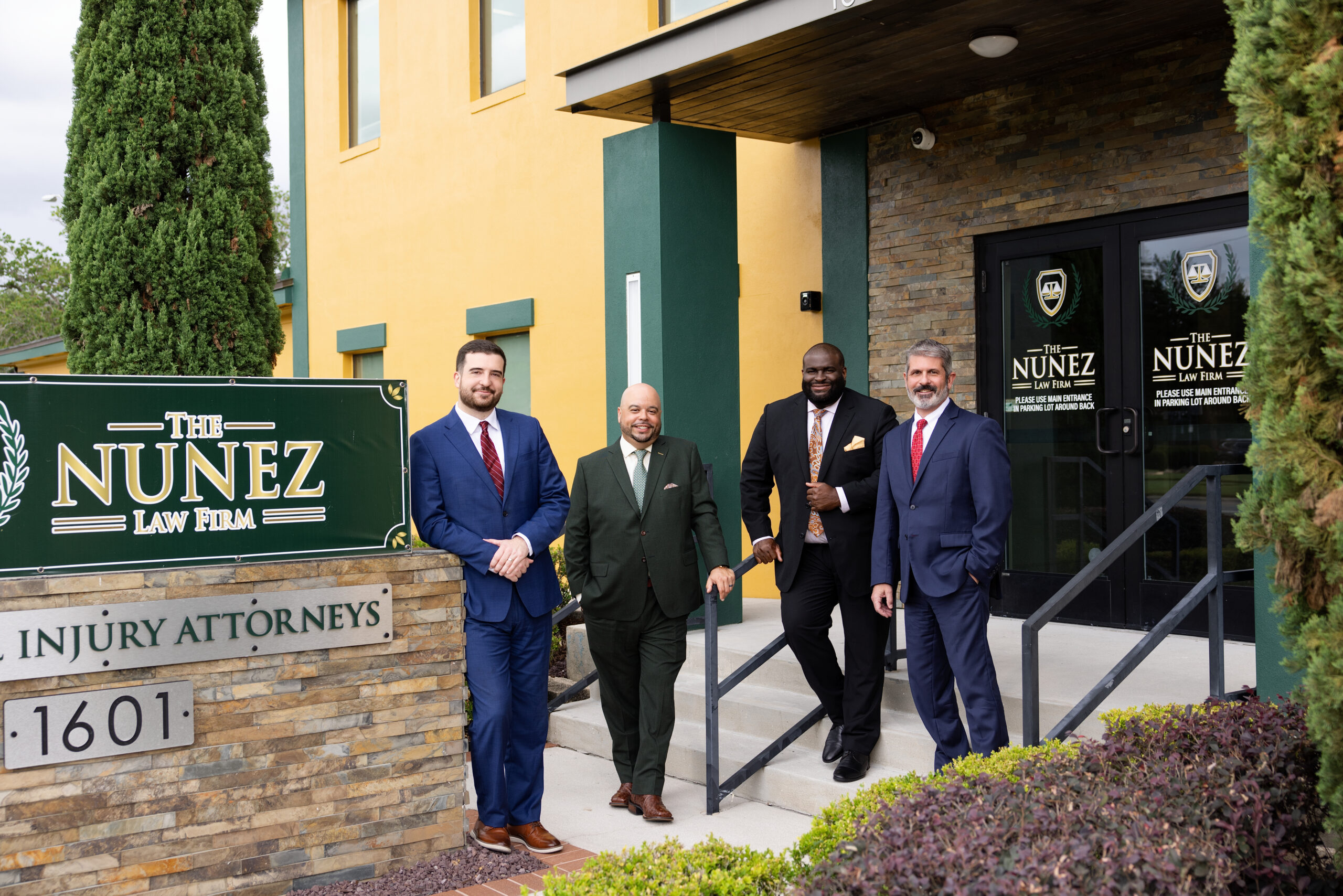
If fault is disputed or a business, fleet operator, or other third party controls footage that may be overwritten, The Nunez Law Firm can review the evidence issue and explain the next steps.
No fee unless we win. Available 24/7 for new clients in Orlando, Fort Myers, and across Florida.
(407) 203-2769Legal and official sources
- Florida Statutes Section 768.81 Florida comparative-fault rule.
- Florida Statutes Section 90.901 Authentication of evidence.
- Florida 511 traffic cameras Official FL511 camera retention statement.
- Florida Supreme Court — Rule 1.351 amendments Official rule opinion on production from nonparties.
- Florida Statutes Section 934.03Florida interception and consent provisions.
- Florida Supreme Court — Rule 1.380(e)Official rule opinion containing the ESI preservation provision.